open source web page builder

Home

Click blue "Gear" icon in the top right corner to hide/show buttons, text, title and change the block background. Click red "+" in the bottom right corner to add a new block. Use the top left menu to create new pages, sites and add themes.

Timeline

Lorem ipsum dolor sit amet, consectetur adipisicing elit

1 january 2018

Multi Homepages

Lorem ipsum dolor sit amet, consectetur adipiscing elit. Nam erat libero, bibendum in libero tempor, luctus volutpat ligula. Integer fringilla porttitor pretium. Nam erat felis, iaculis id justo ut, ullamcorper feugiat elit. Proin vel lectus auctor, porttitor ligula vitae, convallis leo. In eget massa elit.


2 february 2019

Responsive Design

Lorem ipsum dolor sit amet, consectetur adipiscing elit. Nam erat libero, bibendum in libero tempor, luctus volutpat ligula. Integer fringilla porttitor pretium. Nam erat felis, iaculis id justo ut, ullamcorper feugiat elit. Proin vel lectus auctor, porttitor ligula vitae, convallis leo. In eget massa elit.

3 march 2020

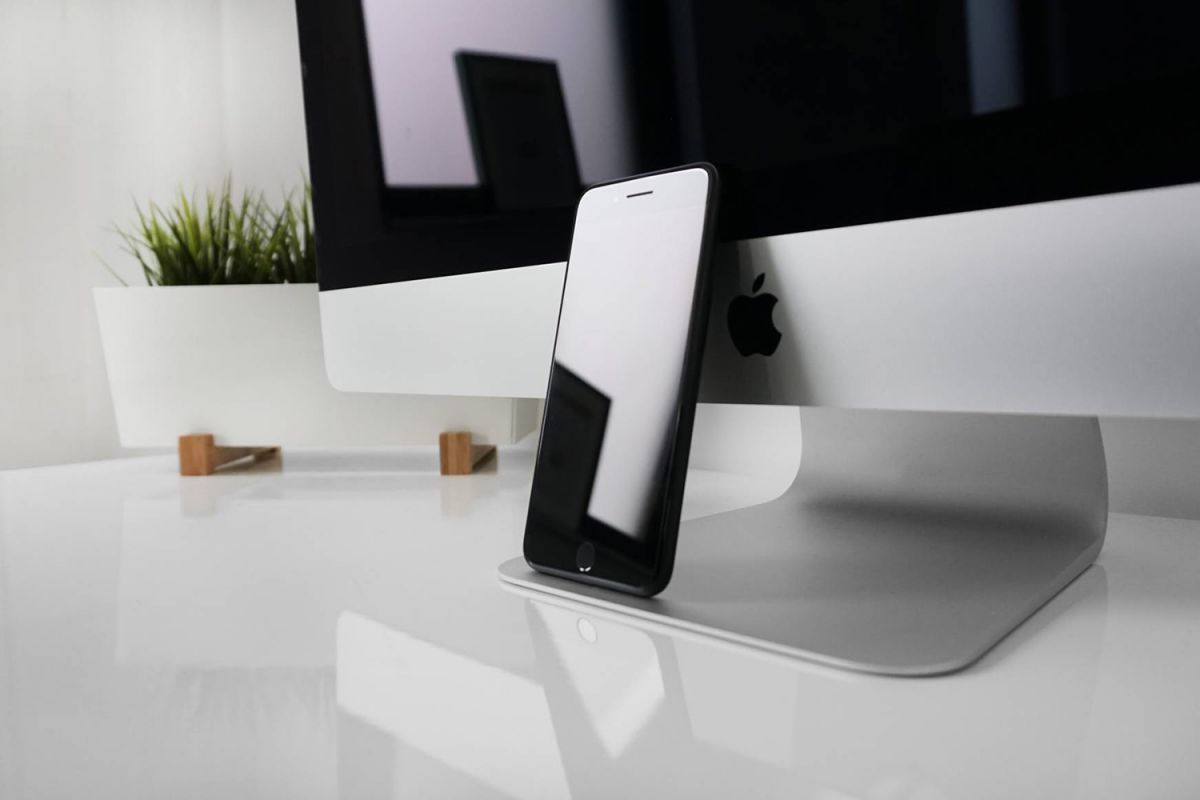
Smart Watch

Lorem ipsum dolor sit amet, consectetur adipiscing elit. Nam erat libero, bibendum in libero tempor, luctus volutpat ligula. Integer fringilla porttitor pretium. Nam erat felis, iaculis id justo ut, ullamcorper feugiat elit. Proin vel lectus auctor, porttitor ligula vitae, convallis leo. In eget massa elit.

Circle progress bars

Mobirise has provided for website developers a growing library of modern blocks which can be used either partially or in full for every website developed through the builder.

Amenity

Publick transport

Nightlife

Tabs with parallax background

No special actions required, all sites you make with Mobirise are mobile-friendly. You don't have to create a special mobile version of your site, it will adapt automagically.

Mobirise is an easy website builder - just drop site elements to your page, add content and style it to look the way you like.

Mobirise offers many site blocks in several themes, and though these blocks are pre-made, they are flexible. You can combine blocks in different ways on your pages.

Image between two columns

Click any text or icon to edit or style it. Use the block parameters to hide/show text or icons and change media size.

Host Anywhere

Publish your website to a local drive, FTP or host on Amazon S3, Google Cloud, Github Pages. Don't be a hostage to just one platform or service provider.

Easy and Simple to Use

Just drop the blocks into the page, edit content inline and publish - no technical skills required.

Mobirise

Over 400 Amazing Blocks

Mobirise offers several themes that include sliders, galleries, article blocks, counters, accordions, video and many more.

Unlimited Sites

Mobirise gives you the freedom to develop as many websites as you like given the fact that it is a desktop app.

Images with different flip animations

Click on the bottom left corner of the card to change the front image. In browser this corner will not be shown.

Mobirise

Over 400 Amazing Blocks

Mobirise offers several themes that include sliders, galleries, article blocks, counters, accordions, video and many more.

Mobirise

Easy and Simple to Use

Drop the blocks into the page, edit content inline and publish - no technical skills required.

Mobirise

Unlimited Sites

Mobirise gives you the freedom to develop as many websites as you like given the fact that it is a desktop app.

Mobirise

Intro with image and subscribe form

Full width intro with image background, color overlay and a picture on the left. You can easily change the size of image in block parameters.

Unlimited Sites

Mobirise gives you the freedom to develop as many websites as you like given the fact that it is a desktop app.

Mobile Friendly

All sites you make with Mobirise are mobile-friendly. You don't have to create a special mobile version of your site.

Unique Styles

Mobirise offers many site blocks in several themes, and though these blocks are pre-made, they are flexible.

Mobirise

No Coding

Mobirise is an easy website builder - just drop site elements to your page, add content and style it to look the way you like.

Mobirise

Mobile Friendly

All sites you make with Mobirise are mobile-friendly. You don't have to create a special mobile version of your site.

Mobirise

Unique Styles

Mobirise offers many site blocks in several themes, and though these blocks are pre-made, they are flexible.

Intro with Video

Intro with background color,  and a video on the right. Mobirise provides you with a flexible website editor with a drag & drop interface.

FULL WIDTH VIDEO

Full width intro with adjustable height, background image and a color overlay. Click any text to edit or style it.

FULL SCREEN 

Beautiful mobile websites

Select text to insert a link. Click blue "Gear" icon in the top right corner to hide/show buttons, text, title and change the block background. Click red "+" in the bottom right corner to add a new block. Use the top left menu to create new pages, sites and add themes.

It's really very amazing app that makes me finish html page in 3 minutes that's usually takes more than 1 hours at least from me if i did it from scratch

Julie C.

INTERFACE DESIGNER

Address

1234 Street Name
City, AA 99999

Contacts

Email: support@mobirise.com
Phone: +1 (0) 000 0000 001
Fax: +1 (0) 000 0000 002